
I’ve been a software developer now for 20 years. I’ve had Windows laptops, Apple products and Linux (Ubuntu) laptops.
I try to keep my eye on the market, and like any devoted software engineer, change my laptop more than I change my underwear!
In this post I will show my recommendations of the best laptop for programming within budget ranges and for particular resource requirements.

Choosing the Best Laptop for Programming
|
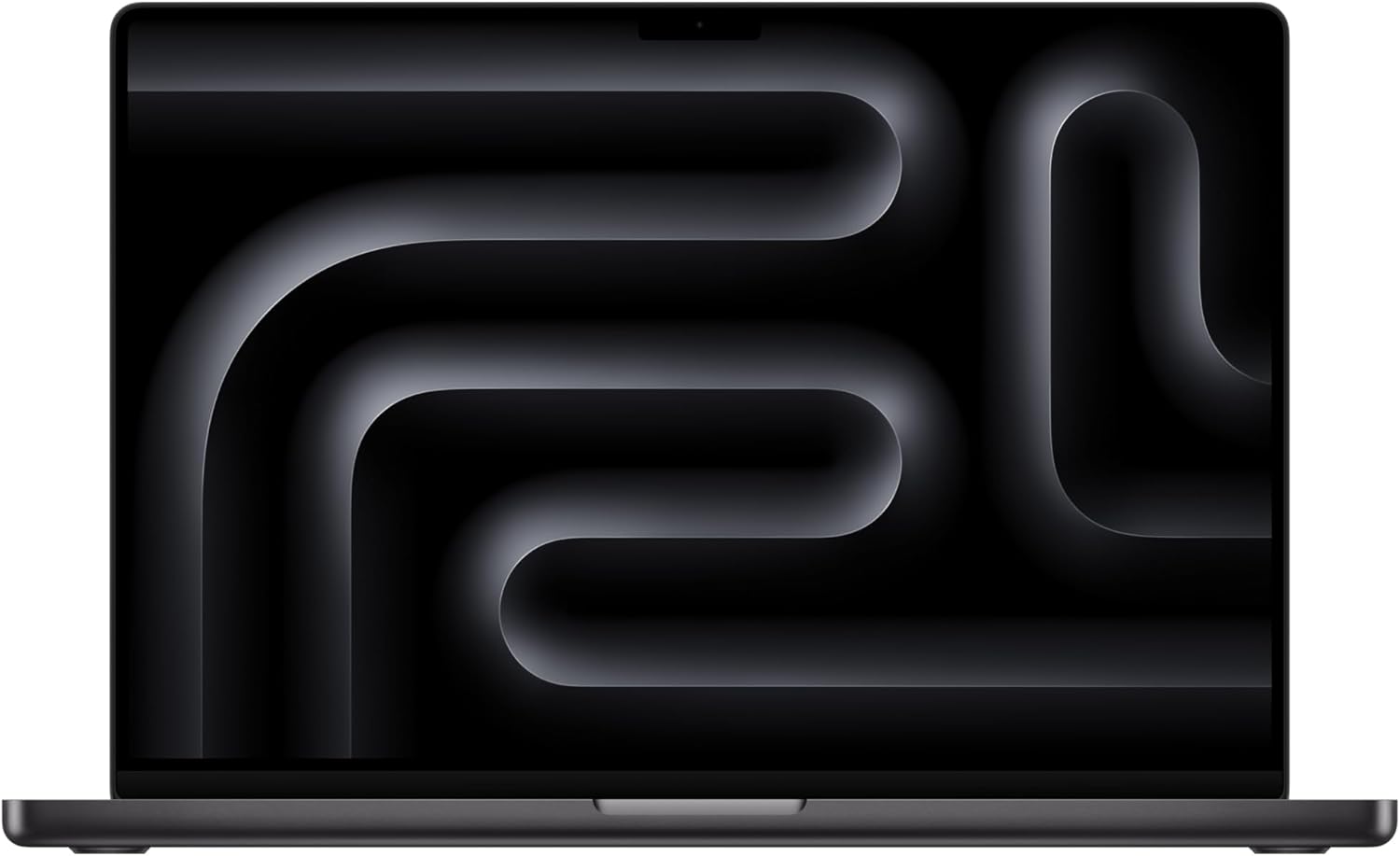
Best Apple Laptop for Programming
|
Best Portable Microsoft Laptop

|
Best Windows Programming Laptop

|
|
Our Rating:
5.0
|
Our Rating:
4.7
|
Our Rating:
4.8
|
|
Description: Memory (RAM): Starts at 24 GB unified memory; configurable up to 128 GB with M4 Max Storage: 512 GB SSD; configurable up to 8 TB Display: 16.2-inch Liquid Retina XDR display
Graphics: Integrated GPU with up to 40 cores (M4 Max) Battery Life: Up to 24 hours of video playback Ports:
Connectivity:
Camera: 12 MP Center Stage front-facing camera Audio:
Operating System: macOS 15.1 with Apple Intelligence suite Dimensions:
Weight: Approximately 4.7 pounds (2.13 kg) |
Description: Processor: Intel Core i7-11370H
Memory (RAM): 32 GB DDR4 Storage: 1 TB SSD Display: 14.4-inch PixelSense Flow touchscreen
Graphics: NVIDIA GeForce RTX 3050 Ti
Operating System: Windows 11 Home Ports and Connectivity:
Camera and Audio:
Design and Dimensions:
Battery Life: Up to 18 hours of typical device usage |
Description: Processor: Intel Core i9-13900H
Memory (RAM): Up to 64 GB DDR5 at 4800 MHz Storage: Up to 4 TB PCIe 4 x4 SSD Display: 15.6-inch InfinityEdge display
Graphics: NVIDIA GeForce RTX 4070 with 8 GB GDDR6 Operating System: Windows 11 Pro Ports and Connectivity:
Camera and Audio:
Design and Dimensions:
Battery Life: Up to 13 hours on FHD+ model |
Memory (RAM): Starts at 24 GB unified memory; configurable up to 128 GB with M4 Max
Storage: 512 GB SSD; configurable up to 8 TB
Display: 16.2-inch Liquid Retina XDR display
- Resolution: 3456 x 2234 pixels
- Brightness: Up to 1,000 nits sustained (full-screen), 1,600 nits peak (HDR content)
- Contrast Ratio: 1,000,000:1
- ProMotion technology with adaptive refresh rates up to 120Hz
Graphics: Integrated GPU with up to 40 cores (M4 Max)
Battery Life: Up to 24 hours of video playback
Ports:
- 3 x Thunderbolt 5 (USB-C) ports
- 1 x HDMI port (supports up to 8K resolution)
- 1 x SDXC card slot
- 1 x MagSafe 3 charging port
- 3.5 mm headphone jack
Connectivity:
- Wi-Fi 6E
- Bluetooth 5.3
Camera: 12 MP Center Stage front-facing camera
Audio:
- Six-speaker sound system with force-cancelling woofers
- Spatial audio support
Operating System: macOS 15.1 with Apple Intelligence suite
Dimensions:
- Height: 0.66 inches (1.68 cm)
- Width: 14.01 inches (35.57 cm)
- Depth: 9.77 inches (24.81 cm)
Weight: Approximately 4.7 pounds (2.13 kg)
Processor: Intel Core i7-11370H
- Quad-core, up to 4.8 GHz
Memory (RAM): 32 GB DDR4
Storage: 1 TB SSD
Display: 14.4-inch PixelSense Flow touchscreen
- Resolution: 2400 x 1600 pixels
- Aspect Ratio: 3:2
- Refresh Rate: Up to 120 Hz
- Supports Dolby Vision
Graphics: NVIDIA GeForce RTX 3050 Ti
- 4 GB GDDR6 dedicated GPU memory
Operating System: Windows 11 Home
Ports and Connectivity:
- 2 x USB-C with Thunderbolt 4
- 1 x Surface Connect port
- 3.5 mm headphone jack
- Wi-Fi 6
- Bluetooth 5.1
Camera and Audio:
- 1080p front-facing camera
- Dual far-field Studio Mics
- Quad Omnisonic speakers with Dolby Atmos
Design and Dimensions:
- Unique three-position display: Laptop, Stage, and Studio modes
- Precision Haptic touchpad
- Dimensions: 12.72 x 8.98 x 0.746 inches (323.28 x 228.32 x 18.94 mm)
- Weight: Starting at 3.83 lbs (1.74 kg)
Battery Life: Up to 18 hours of typical device usage
Processor: Intel Core i9-13900H
- 14 cores, up to 5.4 GHz
Memory (RAM): Up to 64 GB DDR5 at 4800 MHz
Storage: Up to 4 TB PCIe 4 x4 SSD
Display: 15.6-inch InfinityEdge display
- Options:
- FHD+ (1920 x 1200)
- 3.5K OLED (3456 x 2160)
- 4K UHD+ (3840 x 2400)
- Aspect Ratio: 16:10
- Brightness: Up to 500 nits
Graphics: NVIDIA GeForce RTX 4070 with 8 GB GDDR6
Operating System: Windows 11 Pro
Ports and Connectivity:
- 2 x Thunderbolt 4 (USB-C) with Power Delivery and DisplayPort
- 1 x USB-C 3.2 Gen 2 with Power Delivery and DisplayPort
- 1 x Full-size SD card reader v6.0
- 1 x 3.5 mm headphone/microphone combo jack
- Killer Wi-Fi 6 (AX1650)
- Bluetooth 5.2
Camera and Audio:
- 720p HD RGB camera
- Dual-array microphones
- Quad-speaker design with Waves Nx 3D audio
Design and Dimensions:
- CNC machined aluminum chassis
- Dimensions: 13.57 x 9.06 x 0.71 inches (344.72 x 230.14 x 18 mm)
- Weight: Starting at 4.21 lbs (1.91 kg)
Battery Life: Up to 13 hours on FHD+ model

Key Considerations
The first thing we have to decide, is what you are going to use the laptop for?
The question “what is the best laptop for programming” is actually quite broad.
What type of programming?
What programming languages do you use? Do you require virtualisation? Do you use Docker?
Do you use your programming laptop for other uses, like video editing, bitcoin mining and gaming?
Common Language for performance requirements
As a software engineer, I want to create a common language for us all to use for the rest of the post:
Low Performance required: Running a simple code editor locally on the bare hardware. Things like using VSCode to write Python, Javascript, HTML and running that code on your laptop.
Medium Performance Required: Running a fully blown IDE like PyCharm, Visual Studio, CLion etc to write your code. Requiring the use of Docker. Compiling language such as C++
High Performance Powerhouse: All of medium performance required, plus the use of Virtual Machines, Video editing and game development. For these types of workflow, you need a good processing power.
Now, obviously the best laptop for programming is going to be in that “High Performance Powerhouse” section.
But not everyone needs those specifications to write their code.
You may be practicing at home on small scale projects just to pass an interview.
You may just write non CPU intensive programming languages like Python directly on your laptop.
Buy what’s right for you.
Battery life
Do you need to work for long periods in Cafe’s etc?
Long gone are the days that working in a cafe was just for those writing a screen play!
I myself go to my local cafe sometimes to work as it’s nice for a change of scenery.
(if you are working from a cafe or on the train regularly, make sure you like the keyboard on the laptop. Using an external keyboard on the train is a strong look).
SSDs
I doubt anyone is still buying laptops with traditional hard drives, but if you were planning on it, stop.
SSD is the biggest win you can get for a laptop for programming.
Compile times, load times, pretty much all performance aspects get better with an SSD.
If you are buying a laptop for programming, you need an SSD.
Form factor
Do you most often use your laptop for programming at your desk, or on the sofa?
If at your desk, you may already have an external monitor. If so, screen size on the laptop may not be a problem for you.
If you don’t have an external monitor (and don’t want to buy one), a larger screen size is probably better.
If you carry your laptop a lot, something lightweight like the apple macbook air may be your preferred laptop.
So think about if you care about the laptops screen real estate, or if you would prefer a compact laptop like an Apple macbook air.
Keyboard
Again you need to think about where you most often use your laptop for programming.
Do you mostly use it at a desk where you could use an external keyboard? Or are you mostly using the laptop on the go and purely using the laptop keyboard?
I personally use the laptop keyboard everywhere I am. At my desk, or on the road. I like the constituency of using the same keyboard everywhere.
Top Picks for Programming Laptops
Best Overall Laptops
Apple MacBook Pro 16-inch
Apple 2024 MacBook Pro Laptop with M4 Pro chip
Memory (RAM): Starts at 24 GB unified memory; configurable up to 128 GB with M4 Max
Storage: 512 GB SSD; configurable up to 8 TB
Display: 16.2-inch Liquid Retina XDR display
- Resolution: 3456 x 2234 pixels
- Brightness: Up to 1,000 nits sustained (full-screen), 1,600 nits peak (HDR content)
- Contrast Ratio: 1,000,000:1
- ProMotion technology with adaptive refresh rates up to 120Hz
Graphics: Integrated GPU with up to 40 cores (M4 Max)
Battery Life: Up to 24 hours of video playback
Ports:
- 3 x Thunderbolt 5 (USB-C) ports
- 1 x HDMI port (supports up to 8K resolution)
- 1 x SDXC card slot
- 1 x MagSafe 3 charging port
- 3.5 mm headphone jack
Connectivity:
- Wi-Fi 6E
- Bluetooth 5.3
Camera: 12 MP Center Stage front-facing camera
Audio:
- Six-speaker sound system with force-cancelling woofers
- Spatial audio support
Operating System: macOS 15.1 with Apple Intelligence suite
Dimensions:
- Height: 0.66 inches (1.68 cm)
- Width: 14.01 inches (35.57 cm)
- Depth: 9.77 inches (24.81 cm)
Weight: Approximately 4.7 pounds (2.13 kg)
A powerful laptop with a large and bright screen, great battery life, and plenty of ports. I used a Apple Macbook Pro 16-Inch for 3 years at work. It was great. It had plenty of processing power, a good screen size and a nice backlit keyboard.
In my opinion, this is the best laptop for programming.
Microsoft Surface Laptop Studio 2
Microsoft Surface Laptop Studio 2
Processor: Intel Core i7-11370H
- Quad-core, up to 4.8 GHz
Memory (RAM): 32 GB DDR4
Storage: 1 TB SSD
Display: 14.4-inch PixelSense Flow touchscreen
- Resolution: 2400 x 1600 pixels
- Aspect Ratio: 3:2
- Refresh Rate: Up to 120 Hz
- Supports Dolby Vision
Graphics: NVIDIA GeForce RTX 3050 Ti
- 4 GB GDDR6 dedicated GPU memory
Operating System: Windows 11 Home
Ports and Connectivity:
- 2 x USB-C with Thunderbolt 4
- 1 x Surface Connect port
- 3.5 mm headphone jack
- Wi-Fi 6
- Bluetooth 5.1
Camera and Audio:
- 1080p front-facing camera
- Dual far-field Studio Mics
- Quad Omnisonic speakers with Dolby Atmos
Design and Dimensions:
- Unique three-position display: Laptop, Stage, and Studio modes
- Precision Haptic touchpad
- Dimensions: 12.72 x 8.98 x 0.746 inches (323.28 x 228.32 x 18.94 mm)
- Weight: Starting at 3.83 lbs (1.74 kg)
Battery Life: Up to 18 hours of typical device usage
A great option for programmers working on Windows 10 apps, with a powerful processor and plenty of storage.
The Microsoft surface laptop is a lightweight laptop (equivalent to the Macbook air) that has plenty of processing power, a great screen size and long battery life.
If Windows is your preferred operating system, the microsoft surface laptop (along with the Dell XPS 15) is the best laptop for programming.
Dell XPS 15
Dell XPS 15
Processor: Intel Core i9-13900H
- 14 cores, up to 5.4 GHz
Memory (RAM): Up to 64 GB DDR5 at 4800 MHz
Storage: Up to 4 TB PCIe 4 x4 SSD
Display: 15.6-inch InfinityEdge display
- Options:
- FHD+ (1920 x 1200)
- 3.5K OLED (3456 x 2160)
- 4K UHD+ (3840 x 2400)
- Aspect Ratio: 16:10
- Brightness: Up to 500 nits
Graphics: NVIDIA GeForce RTX 4070 with 8 GB GDDR6
Operating System: Windows 11 Pro
Ports and Connectivity:
- 2 x Thunderbolt 4 (USB-C) with Power Delivery and DisplayPort
- 1 x USB-C 3.2 Gen 2 with Power Delivery and DisplayPort
- 1 x Full-size SD card reader v6.0
- 1 x 3.5 mm headphone/microphone combo jack
- Killer Wi-Fi 6 (AX1650)
- Bluetooth 5.2
Camera and Audio:
- 720p HD RGB camera
- Dual-array microphones
- Quad-speaker design with Waves Nx 3D audio
Design and Dimensions:
- CNC machined aluminum chassis
- Dimensions: 13.57 x 9.06 x 0.71 inches (344.72 x 230.14 x 18 mm)
- Weight: Starting at 4.21 lbs (1.91 kg)
Battery Life: Up to 13 hours on FHD+ model
A lightweight laptop with powerful performance, a great display, and excellent battery life.
I’ve owned both the Dell XPS 15 and the Dell XPS 13. They are stylish and powerful.
Budget-Friendly Options
Affordable Laptops for Programming
Refurbished Macbook Pro
I always go refurbished personally.
As long as I’m buying from a reputable source with a guaranteed return policy, there’s no down side.
Save some money, and go used.
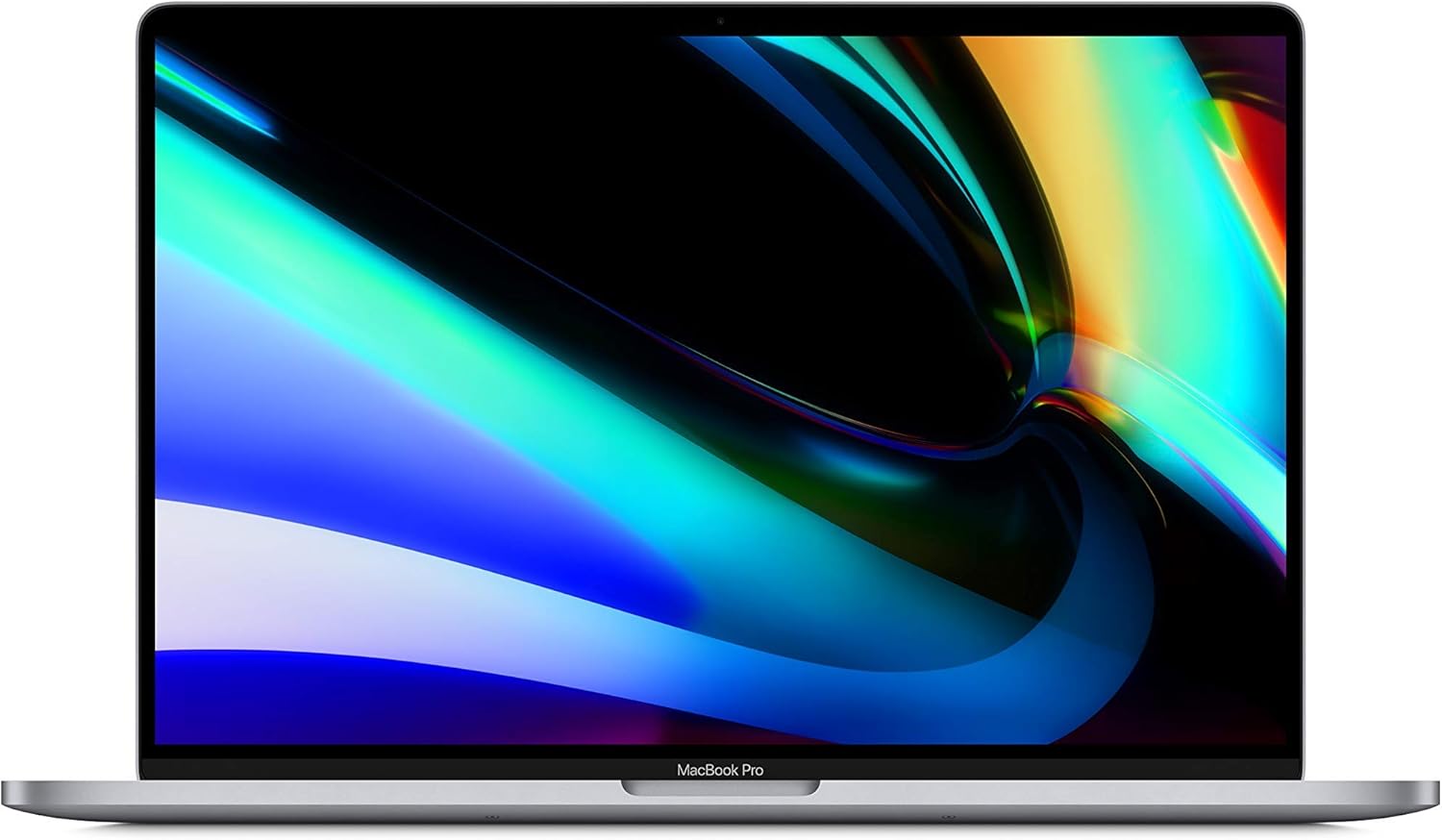 2019 Apple MacBook Pro
Processor: 2.6GHz 6-core Intel Core i7, Turbo Boost up to 4.5GHz
Memory (RAM): 16GB 2666MHz DDR4
Storage: 512GB SSD
Display: 16-inch Retina display with True Tone
- Resolution: 3072x1920 pixels
- Brightness: 500 nits
Graphics: AMD Radeon Pro 5300M with 4GB of GDDR6 memory
Operating System: macOS
Ports and Connectivity:
- Four Thunderbolt 3 (USB-C) ports
- 3.5mm headphone jack
- 802.11ac Wi-Fi
- Bluetooth 5.0
Camera and Audio:
- 720p FaceTime HD camera
- Six-speaker system with force-cancelling woofers
- Studio-quality three-mic array
Design and Dimensions:
- Aluminum unibody construction
- Dimensions: 35.79 x 24.59 x 1.62 cm
- Weight: 2.0 kg
Battery Life: Up to 11 hours of wireless web usage
Acer Chromebook 516 GE
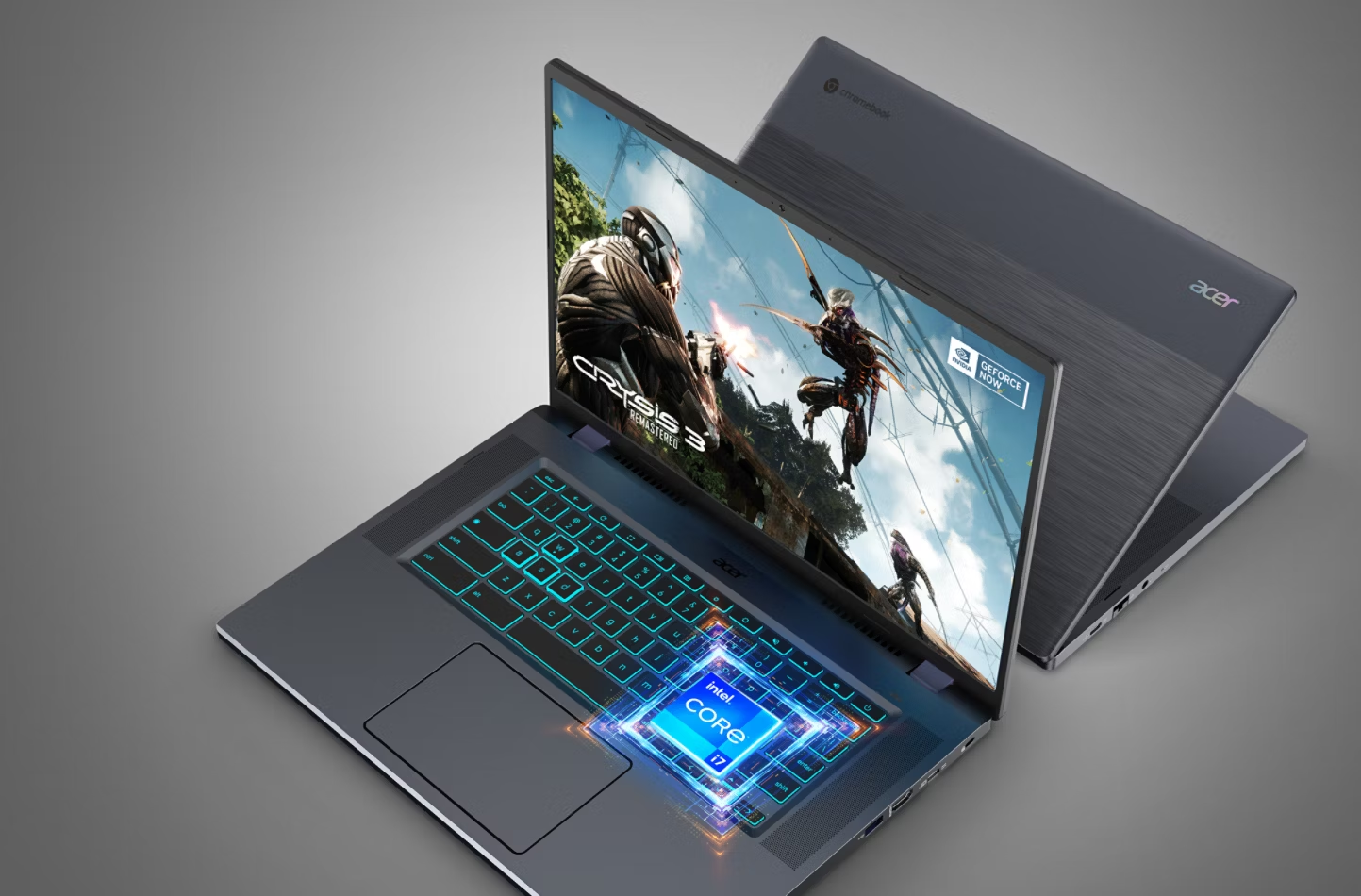 Acer Chromebook 516 GE
Processor: Up to 12th Gen Intel® Core™ i7-1260P, Dodeca-core 2.10 GHz
Memory (RAM): Up to 16 GB LPDDR4X
Storage: Up to 256 GB SSD
Display:
- 16-inch WQXGA (2560 x 1600) IPS panel
- 16:10 aspect ratio
- 120 Hz refresh rate
Graphics: Intel® Iris® Xe Graphics
Operating System: ChromeOS
Connectivity:
- Wi-Fi 6E
- Bluetooth 5.2
- 2.5G Gigabit Ethernet (RJ-45)
Ports:
- 2 x USB Type-C 3.2 Gen 2
- 1 x USB Type-A 3.2 Gen 2
- 1 x HDMI®
- 1 x 3.5mm headphone jack
Audio:
- DTS® Audio
- Smart Amplifier technology
- Four upward-firing speakers
Webcam: Full HD 1080p
Design:
- Titanium Gray color
- Backlit keyboard with RGB lighting
Dimensions:
- Height: 0.84 inches (2.13 cm)
- Width: 14.0 inches (35.56 cm)
- Depth: 9.8 inches (24.89 cm)
Weight: Approximately 3.75 lbs (1.7 kg)
Battery Life: Up to 9 hours
A budget-friendly option with a gorgeous 16:10 display and excellent specs and features.
Lenovo IdeaPad 330S

A budget laptop with a great display, decent performance, and excellent battery life.
HP Envy x360
 HP Envy x360 14
Processor: AMD Ryzen™ 7 8840HS (up to 5.1 GHz boost, 16 MB L3 cache, 8 cores, 16 threads)
Memory: 16 GB LPDDR5-6400 MHz RAM (on-board)
Storage: 1 TB PCIe® Gen 4.0 NVMe™ M.2 SSD
Graphics: Integrated AMD Radeon™ Graphics
Display: 14-inch WUXGA (1920 x 1200) IPS touchscreen, edge-to-edge glass, Corning® Gorilla® Glass NBT™, 400 nits brightness, 100% sRGB
Battery Life: Up to 14 hours and 45 minutes
Operating System: Windows 11 Home
Wireless Connectivity: MediaTek Wi-Fi 6E (2x2) and Bluetooth® 5.3
Ports:
- 2 x USB Type-C® 10Gbps (Power Delivery, DisplayPort™ 1.4a, HP Sleep and Charge)
- 2 x USB Type-A 10Gbps (one with HP Sleep and Charge)
- 1 x HDMI 2.1
- 1 x headphone/microphone combo
Camera: 5MP IR camera with temporal noise reduction and integrated dual array digital microphones
Audio: Dual speakers, HP Audio Boost, DTS:X® Ultra
Dimensions: 31.33 cm x 21.89 cm x 1.69 cm
Weight: 1.39 kg
Color: Glacier Silver
A budget laptop with a great display, decent performance, and excellent battery life.
Gaming Laptops for Developers
Powerful Laptops for Gaming and Programming
MSI Stealth 16 AI Studio A1V

A powerful laptop with a dedicated NPU and plenty of CPU and GPU power, making it great for game development.
Razer Blade 16 (2024) – An incredibly powerful machine that is geared for heavy-duty tasks.
Asus ROG Zephyrus G14 – A powerful laptop with a great display, decent performance, and excellent battery life.
Business-Focused Laptops
Laptops for Business and Programming
Apple MacBook Air 13-inch
- Lightweight and Portable: Weighing approximately 1.25 kg, it's easy to carry, making it ideal for on-the-go programming.
- High-Resolution Display: The 13.3-inch Retina display offers clear and vibrant visuals, beneficial for reading code and design work.
- Silent Operation: The fanless design ensures quiet performance, allowing for an uninterrupted working environment.
- Long Battery Life: Capable of lasting up to 12 hours on a single charge, supporting extended coding sessions without the need for frequent recharging.
- Cost-Effective: As a renewed product, it offers a more affordable entry point into the Mac ecosystem, providing value for budget-conscious developers.
- Limited RAM in Base Model: The standard 8GB RAM may be insufficient for handling large projects or running multiple virtual machines simultaneously.
- Limited Port Selection: With only two Thunderbolt/USB 4 ports, connecting multiple peripherals may require additional adapters or hubs.
- Non-Upgradeable Hardware: Components like RAM and storage are soldered, preventing future upgrades and necessitating careful consideration of specifications at the time of purchase.
- Potential Software Compatibility Issues: Some software applications may not be fully optimized for the M1 architecture, potentially requiring the use of Rosetta 2 for emulation, which can impact performance.

A great option for business and programming, with a lightweight design, great display, and excellent battery life.
Lenovo ThinkPad X1 Carbon

Processor: Intel Core i7-1355U
Display: 14-inch WUXGA Non...
A great option for business and programming, with a lightweight design, great display, and excellent battery life.
Dell Latitude 9420

A great option for business and programming, with a lightweight design, great display, and excellent battery life.
Student-Friendly Laptops
Buying Guide
Expert Tips for Choosing a Laptop

Think about what you need now, what you’ll need in a year and how much you can stretch your budget.
If you are on a low budget and are never going to compile C++ on a virtual machine whilst editing videos, you don’t need to spend and arm and a leg.
Find a laptop that is comfortable for you. Test some out.
Think about where you will mostly use your laptop for programming. If it’s at home on a desk, maybe the battery life isn’t all that important as it’ll be mostly plugged in. Maybe the display size isn’t that important because you mostly use external monitors.
What software are you going to run? Do you need a particular operating system for your applications and development (for instance you can only write Apple IOS Apps on an apple operation system).
Conclusion
There are many things to think about when looking for the best laptop for programming.
You need to think about your personal situation, your budget and your uses.
Portable laptops, large laptops, gaming laptops. Theres a good laptop for programming in all of these categories.
FAQ
Are laptops better for coding?
Laptopts are not better or worse for coding. Generally, desktop PCs are cheaper to get to a higher spec, but if the spec of a laptop and desktop are matched, laptops are just as good as desktop PCs for coding
Which laptop is best for coding and programming?
Depending on if you prefer Apple or Windows, either a Macbook Pro 16gb or more, or a Lenovo Thinkpad X1 Carbon are both great laptops for programming
How do I know if my laptop is good for programming?
There are three main aspects to make a good laptop for programming: The hard drive, memory and processor speed. If you have an SSD, 16gb or more RAM and a quad core 2.5 ghz processor or more, your laptop will be fine for programming.
What computers do most coders use?
Most programmers use one of the following: Apple products such as a Macbook Pro or Macbook Air, or a software engineer who prefers Windows, they choose Lenovo or Dell products. Asus and Acer are also closely behind.
Each of the options needs to make sure if fits the base hardware requirements of an SSD, 16Gb or more RAM and a quad core 2.5ghz processor or higher
Is 64GB RAM overkill for programming?
Generally, most software engineers don’t need 64Gb RAM. If your development requires virtualisation like Docker or Virtual Machines, then it is possible a 64Gb machine would suit you better
How much RAM do programmers need?
Generally, above 16Gb or preferably 32Gb are required for medium to high intensity programming
What specs do I need for a coding laptop?
Hardware:
* 16Gb or more (preferably 32Gb) RAM
* 2.5Ghz or higher quad core processor
NVMe SSDs (PCIe 3.0): Ideal for most programmers.
Example: Samsung 970 EVO Plus, WD Black SN750.
Speeds: ~3500 MB/s read, ~3300 MB/s write.

